

Free templates · British Columbia
Strata templates for the paperwork every council does
The notice, the agenda, the minutes, the proxy form, the special levy and the bylaw letter — written for BC, in Word and PDF. Each one ends with a page for the council on the rules it has to follow, with the section of the Act to check.
Edit the Word file, or fill in the PDF on screen · No email required · Checked against the Act, October 2026
The templates
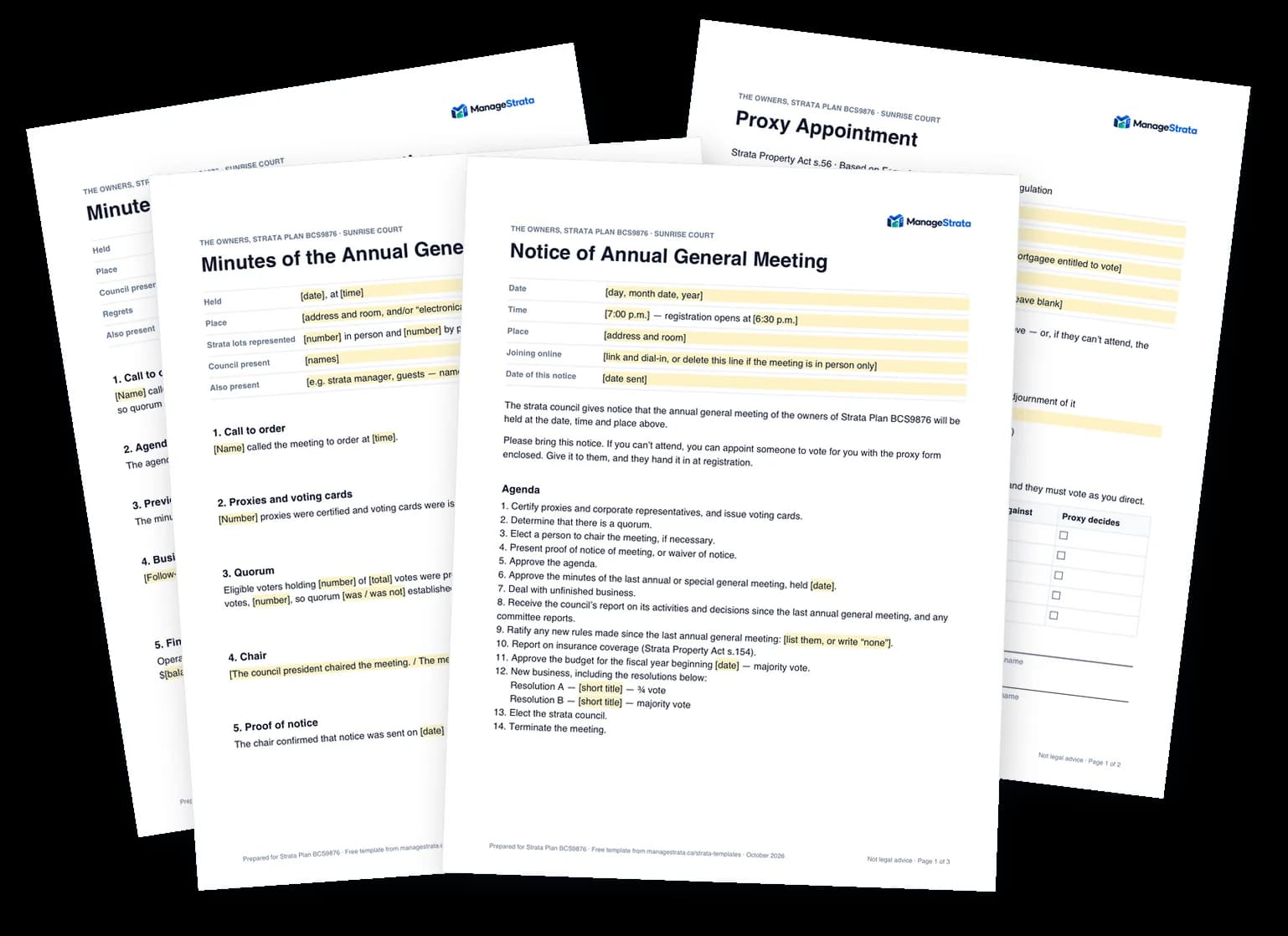
AGM notice and agenda
The notice, the agenda in the order the Standard Bylaws set, and a ¾-vote resolution. 3 pages.
AGM minutes
Every agenda item with a motion, a vote count and a result, from quorum to the election. 4 pages.
Council meeting minutes
The standing agenda, a decisions table with the votes, and action items with a name and a date. 4 pages.
Proxy form
Based on Form A: one meeting, certain resolutions, or every meeting — with voting instructions. 2 pages.
SGM notice and special levy resolution
A special general meeting notice with a special levy resolution and each lot's share. 3 pages.
Bylaw contravention letters
The two letters section 135 requires before a fine: the complaint, then the decision. 3 pages.
Or stop filling in templates
A template saves you the blank page once. ManageStrata saves you the whole job, every year — and the record stays with the corporation when the council changes.
The notice goes out on time
It works out the notice date your meeting needs and sends the notice to every owner.Proxies and votes count themselves
Owners name a proxy or vote from their phone, and every resolution is held to its BC threshold.The minutes are drafted for you
From the attendance and the votes as they happened. A council member approves them before owners see them.
Frequently asked questions
Are the strata templates really free?
Yes. Every file downloads straight away — no email address, no form. Use them, change them, and pass them round your council.
Can I fill in the PDF without Word?
Yes. Open it in Preview, Acrobat or your browser and click into it. Short details — a date, a name — are fields; whatever changes from meeting to meeting — the agenda, the resolutions, each section of the minutes, a letter's particulars — is a box you can rewrite, add to or clear; tables have spare rows, and the boxes tick. The wording the law sets and the council's checklist pages stay fixed. For a different layout altogether, use the Word file.
Can I edit them in Google Docs?
Yes. The Word file opens in Microsoft Word, Google Docs (upload it to Drive, then open with Docs), Apple Pages and LibreOffice. Everything you fill in is in [square brackets] and highlighted, so a find for “[” takes you through each one.
Do they follow the BC Strata Property Act?
They were written against the Act, the Strata Property Regulation and the Standard Bylaws as they stood in October 2026, and each one names the section it follows. Your corporation may have amended its bylaws — where they differ from the Standard Bylaws, yours apply. The templates are general information, not legal advice.
Can a strata manager use them?
Of course. Our logo sits in the page header and a line in the footer; in the Word file you can delete both, or put your own letterhead in their place.
Run the next AGM without the templates
Notice, proxies, the vote and the minutes in one place, held to BC's rules. Free for stratas of up to 4 lots.
No credit card required.